Compare comic pages
Scan CBZ, CBR, ZIP and RAR archives and compare the pages inside, rather than relying only on filenames.
Comic Duplicate Scanner compares the pages and image content inside files, so renamed, recompressed or resized copies can still be found even when their filenames differ.
Mac · Windows
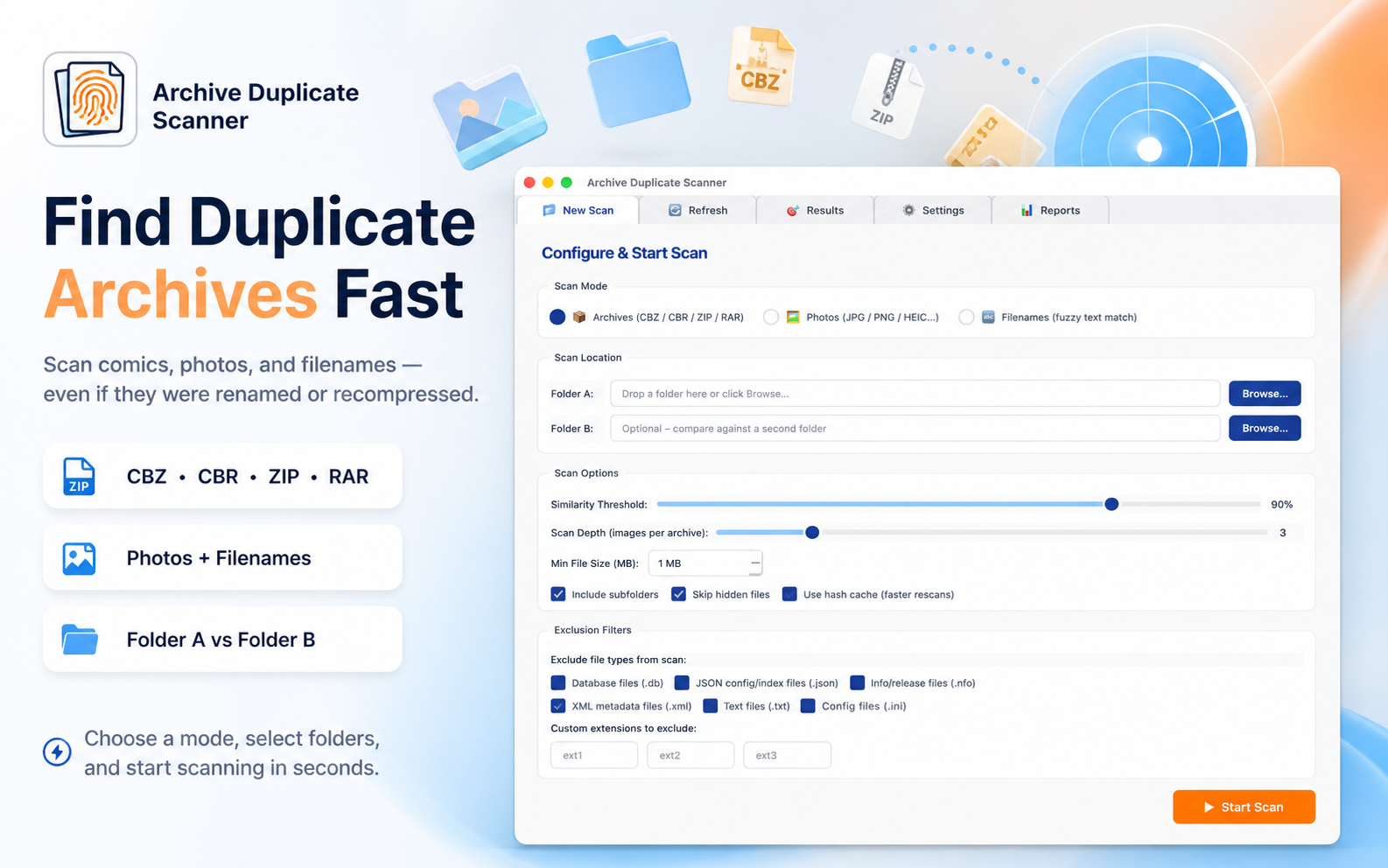
Scan a folder with Comic Duplicate Scanner. It opens supported archives and compares their pages using perceptual hashing, then lets you review matches before sending selected files to the system Trash.
Scan CBZ, CBR, ZIP and RAR archives and compare the pages inside, rather than relying only on filenames.
Check JPG, PNG, HEIC, WEBP, BMP and GIF files, including recompressed or resized versions.
Marked files go to system Trash, not permanent deletion. A last-copy warning appears before batch operations; repeat scans can reuse a local SQLite hash cache.
Scans use a local SQLite hash cache and do not upload your library. Marked files go to system Trash, with a last-copy warning before batch operations.
Read Modern Logic Tech’s privacy policyComic Duplicate Scanner supports CBZ, CBR, ZIP and RAR archives.
It compares visual page content using perceptual hashing, which can find copies even when filenames, compression or image dimensions differ.
No. Marked files are sent to system Trash. The app also warns before a batch operation that would remove the last copy.
It is available for Mac through the Mac App Store and for Windows through Microsoft Store.